
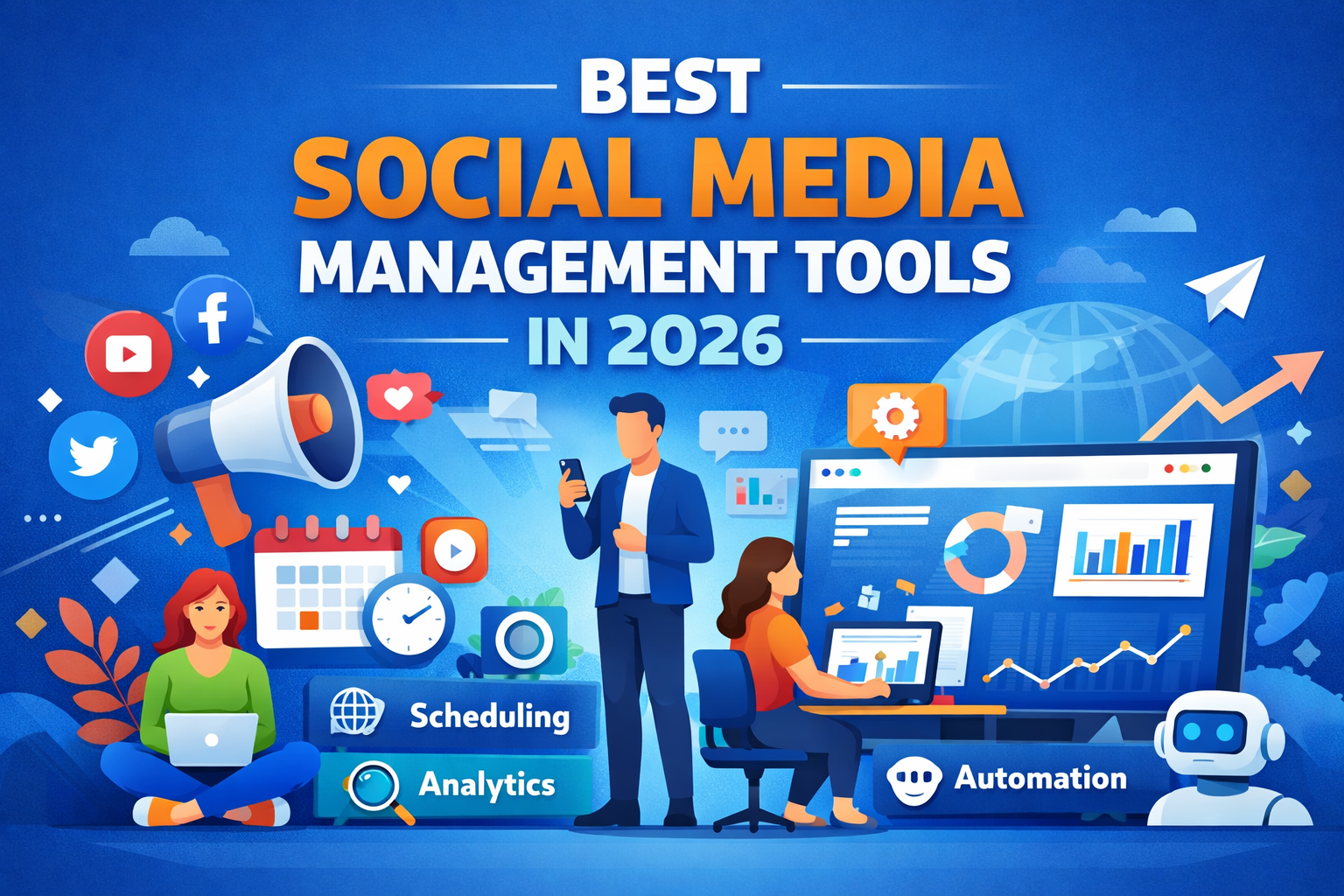
Social media is no longer just a place to “scroll memes” or “watch entertaining videos”. It is a MAJOR marketing channel for budding, established and big brands to make a presence, engage with their audience and leave an impact. Platforms like Facebook, Instagram, YouTube, LinkedIn, Twitter, Pinterest, and more let these brands build a relationship with people, drive more awareness, and, in a lot of cases, generate sales too.
But managing all these platforms manually is a tedious task. Managing content calendars, scheduling posts, replying to messages, keeping track of trends, etc., can take up hours and hours every week.
Social Media Management tools like Canva, SocialPilot, BrandWatch, etc are a lifesaver because they automate your tasks, save time, and help you manage your tasks more efficiently.
To help you choose the right platform, we’ve ranked some of the best social media management tools based on key features, usability, and overall performance.
What Are Social Media Management Tools?
In simple terms, social media management tools are software platforms that allow you to manage all your social media accounts from one place.
You can schedule posts, monitor their performance, track brand mentions, and analyse engagement, all from a single dashboard. In short, they act as a central control hub for managing your social media activities efficiently.
Importance of Social Media Marketing in 2026
Social media marketing has become more important than ever. Here are a few reasons why:
- User growth: Billions of people actively use social media every day, offering brands access to a massive audience.
- Automation is Key: Maintaining a consistent posting schedule manually can be time-consuming and exhausting.
- Analytics matter: Data-driven insights help brands understand what content performs well and what needs improvement.
- Brand Visibility: Consistent and active posting helps brands stay visible and relevant to their audience.
- Lead generation: Engaging content can convert followers into potential customers and generate valuable leads.
How We Ranked These Social Media Tools
We assessed each tool using the following criteria:
- Scheduling posts: Can you plan and schedule content in advance without disruptions?
- Designing Content: Does the tool help you easily create visuals, videos, or written content?
- Tracking performance: Can you analyze what content performs well and what doesn’t?
- Campaign planning: Does it help organize and manage campaigns effectively?
- Audience targeting: Can the tool help you reach the right audience segments?
- Trend detection: Does it help identify trending topics and conversations?
- Ease of use: Is the platform user-friendly for individuals and teams?
- Automation features: Does it reduce repetitive tasks and save time?
- Integration with other marketing tools: Can it connect with CRM systems, email marketing tools, or analytics platforms?
10 Best Social Media Marketing Tools in 2026
Here’s a list of 10 best social media marketing tools that cover scheduling, content creation and engagement.
1. SocialBu
Schedule recurring posts, integrate RSS feeds and manage multiple accounts from a single dashboard
Pricing: Free plan is available and a paid plan is for $8/month.
2. Birdeye
Collect reviews, respond to customers and monitor brand mentions
Pricing: Customizable
3. SocialPilot
Supports multiple platforms and offers team collaboration features.
Pricing: Starts at $25-$30/ month
4. Canva
Create posts, videos, banners and more with easy templates, even if you’re not a designer.
Pricing: Free plan; Pro plan $12- $15/ month
5. Sprout Social
Track performance, trends and engagement in depth.
Pricing: Starts at $249/ month
6. Buffer
Schedule posts, create posting queues and track engagement metrics like clicks and reach.
Pricing: Free plans and paid plans from $6/month/channel
7. Later
Later is focused on visual planning, especially Instagram. Use its drag-and-drop content calendar and library to organize media.
Pricing: Paid plans start at $18/month
8. Brandwatch
Tracks conversations, analyze sentiments and spot trends.
Pricing: pricing is customizable
9. Traject Social
Helps with campaign management, scheduling and team collaboration. Ideal for agencies.
Pricing: Varies by plan
10. HighLevel
Manage leads, schedule posts and run campaigns from one platform.
Pricing: Starts at $97/month
Comparison Table
| Tools | Best for | Starting price | Top features | Who can use |
| SocualBu | Automated posting & scheduling | $8/month | Self-posting and analysis | Individuals & agencies |
| Birdeye | Reputations & reviews | Customizable | Review management | Businesses |
| Social Pilot | Agencies & bulk | $25-$30/month | Bulk scheduling | Agencies & team |
| Canva | Visual content | $12-$15/month | Design template | Everyone |
| Sprout Social | Business analytics | $249/month | Social listening and analytics | Large team |
| Buffer | Beginner scheduling | $6/month/channel | Simple scheduling | Individuals and small businesses |
| Later | Visual planning | $18/month | Visual Calendar | Creators and SMBs |
| Brandwatch | Social listening | customizable | Trend detection | Enterprise |
| Traject Social | Campaign management | customizable | Team collaboration | Agencies |
| High Level | Automation | $97/month | Automated campaigns | Businesses |
Best Social Media Management Tools by Use
- Best for Content Creation: Canva
- Best for Agencies: SocialPilot
- Best for Beginners: Buffer
- Best for Scheduling & Publishing: Later
- Best Budget Option: SocialBu
- Best for Automation & AI Assistance: HighLevel
How to Choose the Right Social Media Marketing Tool
Steps to follow:
- Budget: Stick to what your business can afford
- Team Size: Some tools work for individuals, others for large teams or agencies
- Workflow & Automation: Automation saves hours of repetitive work
- Content Volume: High-volume posting requires scheduling and bulk features
- Platform Support: Make sure all your social networks are covered
- Analytics & Reporting Needs: Tools should provide clear and actionable insights
Conclusion
Social media management tools make marketing less stressful and more effective. Beginners can start with Buffer or SocialBu, agencies may prefer SocialPilot and large teams can benefit from Sprout Social or Brandwatch.
The key is to try free trials, compare features and see what fits your workflow. Don’t forget to explore automation to save time and boost results.
FAQs
Que1. What are social media management tools?
Tools that let you manage accounts, schedule posts, track performance and monitor engagement, all from one dashboard.
Que2. Best social media management tools for free?
Buffer, SocialBu, Canva and Later are easy to use for individual creators.
Que3. Best social media management tools for individuals?
Buffer, Canva and Later are easy to use for individual creators.
Que4. How can I measure the ROI of my social media management tool?
Track engagement, website clicks, lead generation and conversions.
Que5. How can I increase organic social media engagement?
Be consistent, interact with followers and use relevant hashtags.
Que6. Cheapest social media management tool?
SocialBu and Buffer are among the most affordable options.